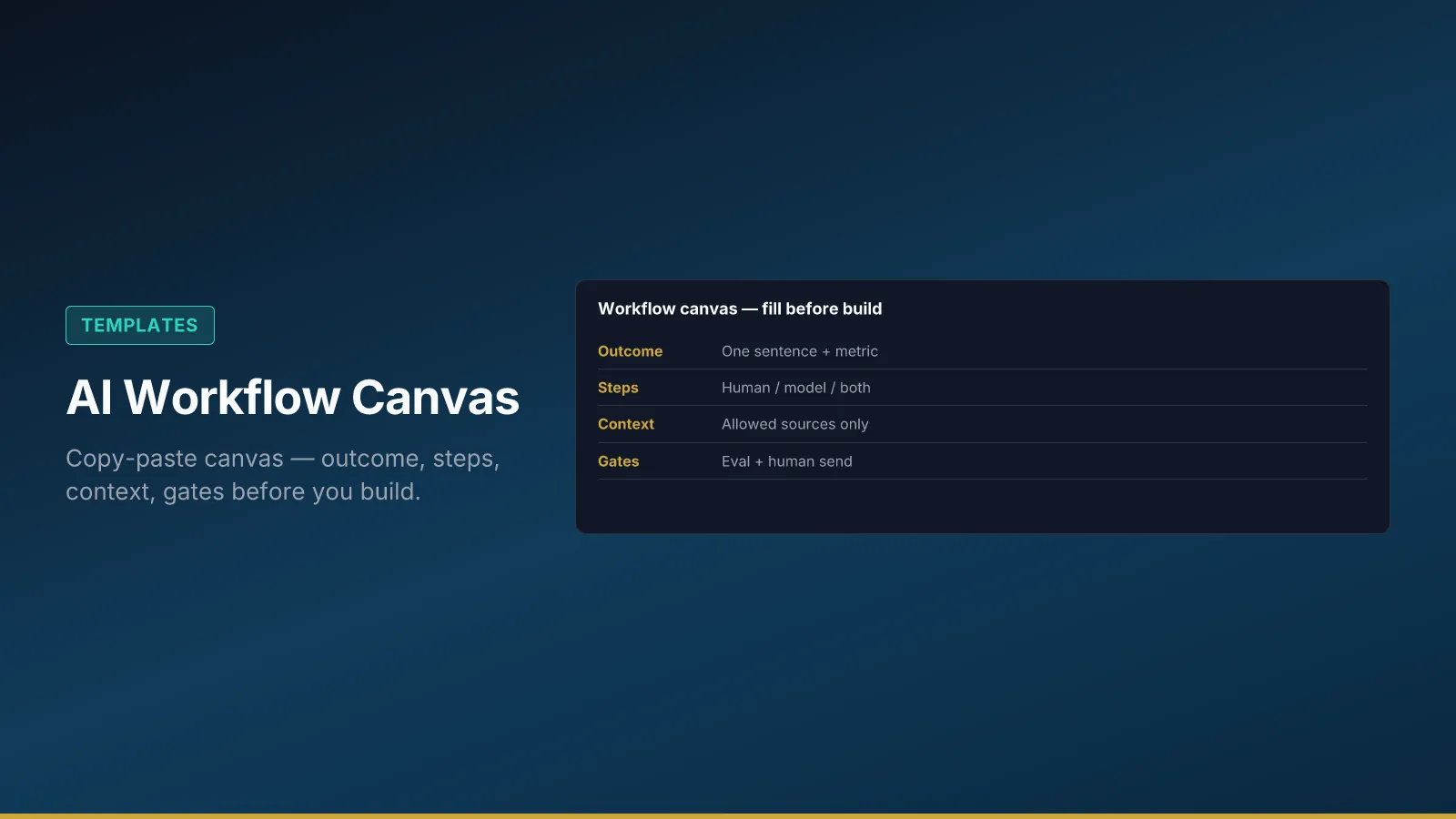
Copy this canvas into your wiki or ticket. Complete it with process owner and IT before pilot launch—not after a vendor demo convinces leadership the tool is the workflow. Gaps on the canvas become incidents in production: missing eval, blurry handoffs, denied data still reachable, no log field for policy version.
The canvas is the single page governance roles RACI links to, risk forum agendas reference, and structured prompt registry rows attach to. Filling it is cheaper than rewriting prompts under audit pressure.
Minimum workflow elements (non-negotiable)
Before the full table, confirm five elements exist. Predictable AI outputs come from repeatable workflows, not clever phrasing in chat.
Trigger — what starts the run (ticket opened, form submitted, status change). If trigger is vague, you will run model calls on the wrong cases and burn trust.
Steps — numbered sequence showing where the model runs vs where humans act. “AI helps somewhere” is not a step list.
Context sources — allow list only, tied to context architecture spec. Denied data named explicitly.
Review gate — who may send to customers or systems of record; no auto-send in v1 for regulated or customer-facing paths unless forum explicitly approves with eval evidence.
Metric — one primary business measure the sponsor cares about—not token count or “adoption.”
If any element is blank, pause tool selection until named. Add evaluation hooks count and pass threshold before pilot traffic.
AI workflow canvas (blank)
| Section | Your answer |
|---|---|
| Workflow name | |
| Business outcome (1 sentence) | |
| Primary metric | |
| Process owner | |
| Executive sponsor | |
| Trigger | |
| Steps (human / model / both) | 1. … 2. … 3. … |
| Allowed context sources | |
| Denied data | |
| Human review gate | Who? When? |
| Eval cases (count) | |
| Pass threshold | |
| Audit log location | |
| Target pilot end date |
Store completed canvases next to eval results so reviewers see intent and evidence together. One canvas per workflow ID—avoid mega-documents mixing unrelated processes.
Bad vs good filled canvas (quick check)
| Signal | Weak canvas | Strong canvas |
|---|---|---|
| Outcome | “Improve support with AI” | “Reduce tier-2 handle time without increasing escalations” |
| Metric | “Usage” or blank | Median handle time + CSAT on assisted queue |
| Denied data | “Sensitive stuff” | Named systems/fields (HR, other customers’ tickets) |
| Eval | “We’ll test later” | 25 cases, ≥92% pass, 0 policy violations |
| Owner | Team name only | Named person + IT integration owner |
If more than two rows look like the weak column, pause pilot traffic until fixed—gaps here become incidents under audit pressure.
Filled example: support-reply-v3 (Northline)
Use this row as a realism check when you fill your own column—not as copy-paste values.
| Section | Example answer |
|---|---|
| Workflow name | support-reply-v3 |
| Business outcome (1 sentence) | Suggest compliant tier-2 replies faster without increasing escalations |
| Primary metric | Median handle time on assisted queue; CSAT on assisted tickets |
| Process owner | Support ops lead |
| Executive sponsor | VP Customer Success |
| Trigger | Tier-2 ticket status → “awaiting agent” |
| Steps | 1. Pull last 5 messages + KB 2. Model drafts reply 3. Checker flags unsupported claims 4. Agent edits 5. Agent sends |
| Allowed context sources | KB articles tagged customer-safe; ticket thread |
| Denied data | HR records; unreleased roadmap; other customers’ tickets |
| Human review gate | Agent must send; no auto-send in v1 |
| Eval cases (count) | 25 held-out tickets |
| Pass threshold | ≥92% pass; 0 policy violations on eval set |
| Audit log location | CRM case note + workflow log index |
| Target pilot end date | 12 weeks from kickoff |
Northline linked canvas to data boundaries matrix and audit trail schema before prod pin—see ticket #4821 replay drill.
Release checklist before pilot traffic
Walk this list in order with process owner, IT, and Legal as needed. Check items in your ticket system; do not skip because demo looked fine.
- Context spec reviewed against architecture guide
- Boundaries documented and enforced in connectors (data boundaries)
- Eval smoke passed in CI for prompt/context changes
- Risk forum aware of pilot scope and promotion criteria (cadence)
Keeping the canvas alive
Revisit when models, connectors, or policy packs change—version canvas in changelog with registry bump. Office hours and eval review rituals from team rituals should surface canvas gaps operators notice in week two of pilot.
For hands-on exercises after the canvas is complete, use training on promptanatomy.app—the canvas is the contract; training is practice under that contract.
Fill the canvas before selecting tools or writing prompts. Incidents later almost always map to a blank cell you skipped in week zero.