Support teams paste full ticket threads and wiki exports into chat because the window is large enough. The model replies fluently—and cites draft internal notes, promises refunds outside policy, or mixes one customer’s case with another’s. Legal finds the violation weeks later; engineering cannot reproduce the good answer from last Tuesday. The model was adequate. Nobody had designed what it was allowed to see.
Context architecture is the discipline of deciding what information a model receives, in what order, with what authority—and what must never be included. It is not “how long can we make the prompt.” Teams that confuse the two pay in confident wrong answers, compliance remediation, and unreproducible wins. Outcome for operators: one named owner, one context spec, and eval cases that fail when policy is buried.
Prompt design is how layers meet in one invocation. Architecture is how those layers are sourced, classified, versioned, and governed over time. Both matter; conflating them produces brittle chat hacks that break when staff rotate or models change.
This is the context layer in the Prompt Anatomy Foundations stack—after The Model Is Not the System. If unstructured AI use is the symptom, diagnose with 10 Signs Your Company Is Vibe Prompting. Context terms: Glossary.
For entry points on window size and mechanics, see Context Window Myths and Context Window Limits: Safe Zones, Overflow, and When to Split Workflow Steps.
Layers to design
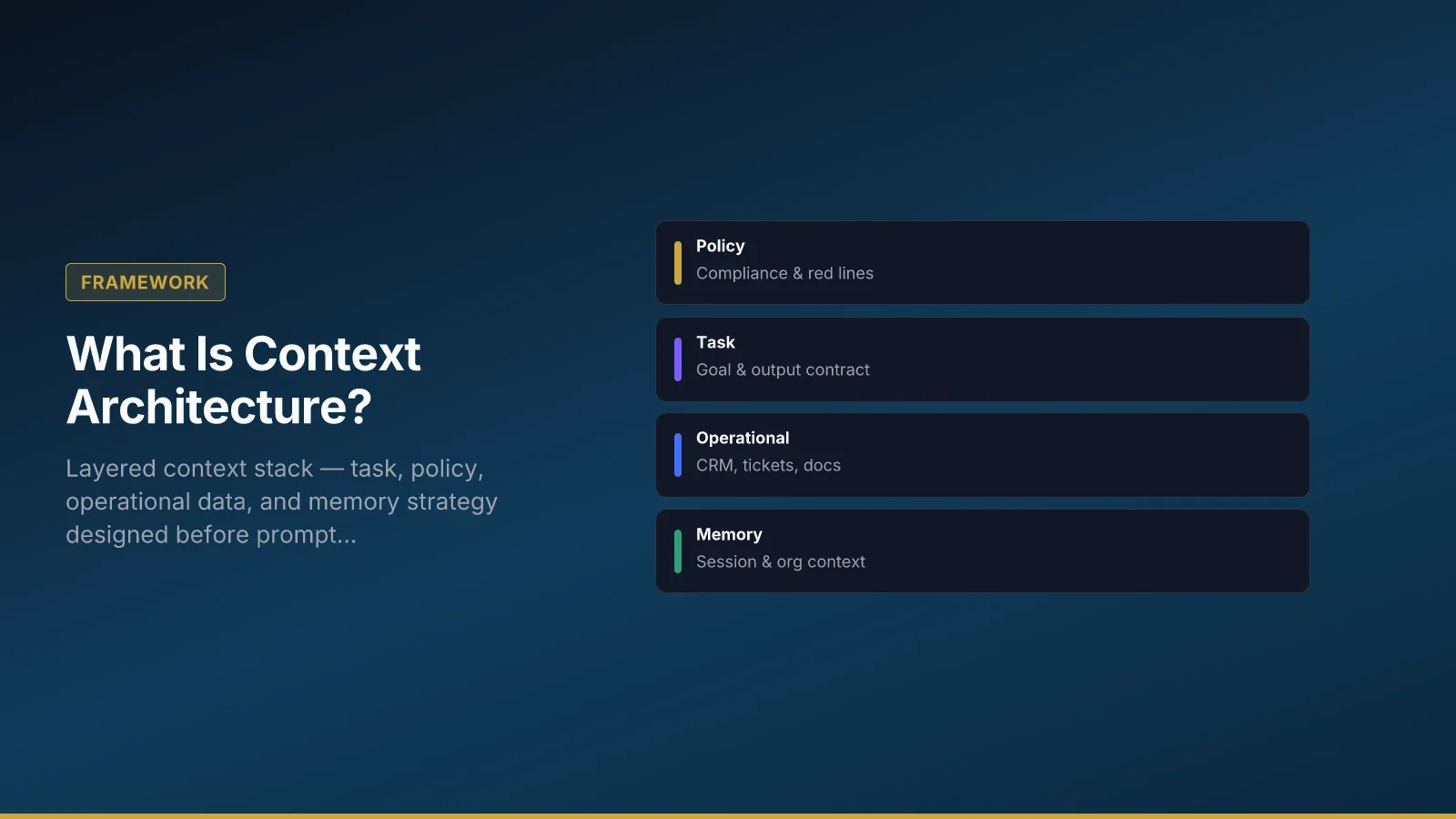
Four layers appear in most business workflows. Design each explicitly; do not rely on the user to paste the right background.
Task context — goal, constraints, and output contract. What must the model produce? What format? What must it refuse?
Operational context — CRM fields, tickets, documents the workflow may pull at runtime. Source IDs, freshness rules, and max tokens per source belong here.
Policy context — red lines, jurisdictions, retention rules, approved phrasing. Policy should not be an afterthought appended when someone remembers compliance.
Memory strategy — what persists across sessions vs what must be forgotten. Session scratchpad, episodic case history, organizational KB, and denied classes (e.g., raw payment data) need separate rules—Memory Types for AI Systems covers runtime choices.
Anti-pattern: Dumping operational data first because it is easy to retrieve. Better: Policy and task frames before operational details so the model optimizes for compliance, not completion.
Context spec walkthrough: support-reply-v3
The table below is a filled context spec for a tier-2 support assist workflow. Use it as a template; copy structure, not values, into your wiki.
| Field | Example |
|---|---|
| Workflow ID | support-reply-v3 |
| Owner | Support ops lead |
| Allowed sources | KB articles tagged customer-safe; last 5 ticket messages |
| Denied sources | HR records; unreleased roadmap; other customers’ tickets |
| Max tokens per source | 2k per article; 1k ticket window |
| Refresh trigger | On ticket status change |
| Retention | Discard session memory after case closed |
| Policy pack version | support-policy-2026-04 |
| Eval set ID | support-reply-eval-25 |
Walkthrough. When ticket status moves to “awaiting agent,” the workflow pulls the last five messages and retrieves up to three KB articles matching product line and issue tags—all must carry the customer-safe tag or retrieval fails closed. HR and roadmap indexes are not mounted for this workflow ID. Session memory holds draft reply text until case closed, then purges. Every run logs policy pack version and context source IDs for audit.
Before promoting prompt or model changes, rerun eval set support-reply-eval-25. Fail on unsupported product claims, wrong refund policy, or missing escalation on VIP accounts.
Tip: Version policy packs separately from prompt templates. Legal updates policy; ops updates task framing; IT wires retrieval.
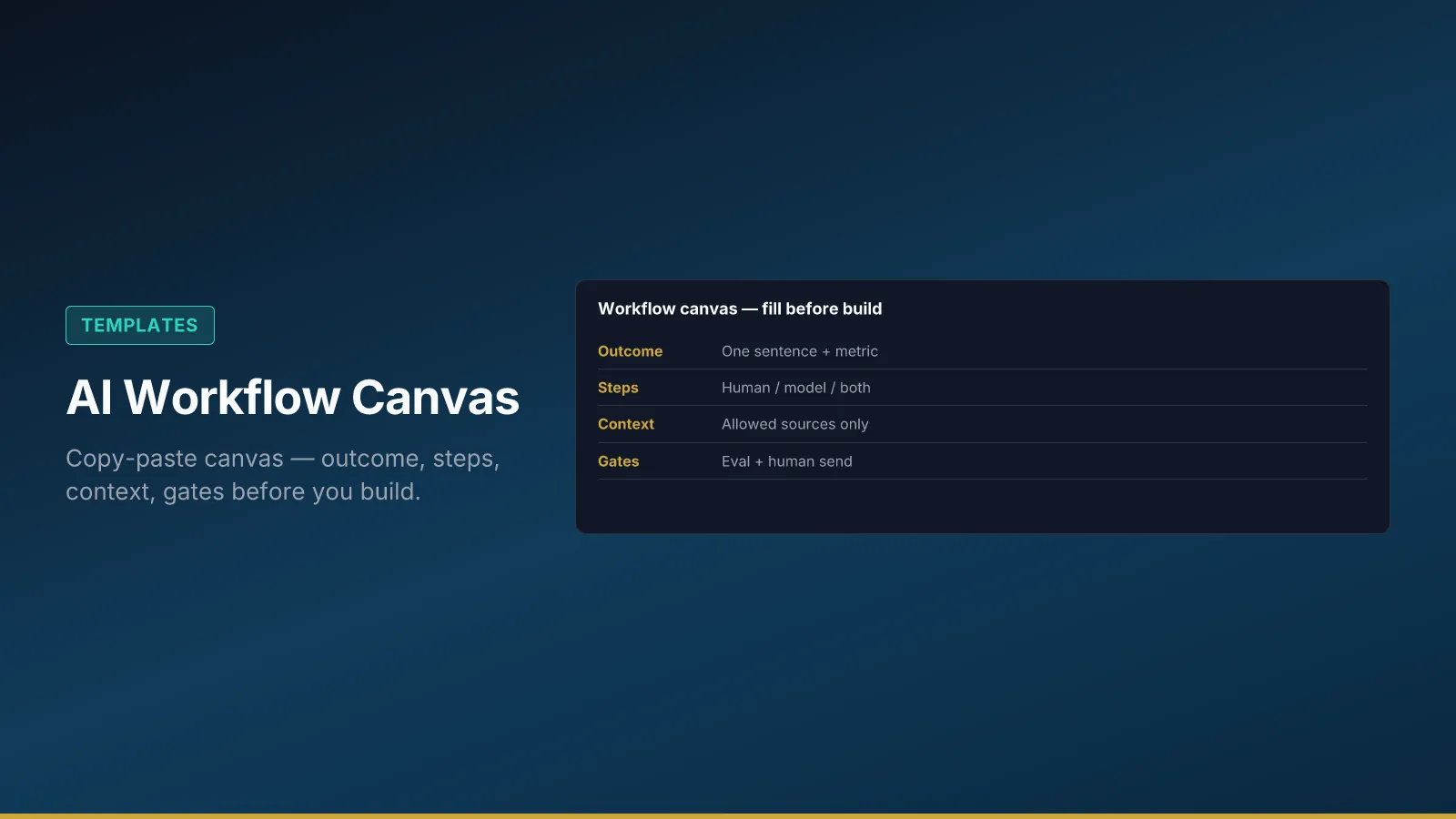
Tip: Link the spec from your AI Workflow Canvas so reviewers see intent and boundaries together.
Context rot — why bigger windows are not a strategy
Massive context windows do not remove design work—they increase context rot: critical information buried in the middle of a long block is statistically under-weighted by models. Teams that paste entire corpora “because we have room” pay in cost, latency, and confident wrong answers.
Context architecture treats context as a scarce resource: just-in-time retrieval, high-signal tokens at the start and end of prompts, and strict separation of static policy from dynamic operational data. See Context Rot: Why Bigger Windows Make Agents Worse for diagnostics and remediation patterns.
Prompt assembly order
When layers meet in a single run, order matters. Policy buried below operational dumps gets ignored statistically.
Suggested order:
- Policy layer — must-not rules, compliance lines, jurisdiction.
- Task layer — objective, format, success criteria.
- Operational layer — retrieved tickets, CRM fields, documents.
- Examples (optional) — few-shot only when eval proves they help.
Common mistakes:
- Operational dumps before policy → model optimizes for completion, not compliance.
- Contradictory layers from different owners → designate a single context owner per workflow.
- Stale examples → regression in eval; version examples like code.
Before / after assembly snippet
Before (kitchen-sink): Paste full ticket thread, random wiki export, and “be helpful” in any order. Result: fluent replies that cite draft internal notes.
After (structured):
[POLICY] Never promise refunds outside policy pack section 4.2. Escalate VIP to tier-3.
[TASK] Draft a reply under 150 words. Cite KB article ID if stating product fact.
[OPERATIONAL] Ticket #4821 (last 5 msgs). KB: articles K-104, K-207 (customer-safe).
The after pattern is not longer—it is ordered. Eval cases should fail kitchen-sink assembly and pass structured assembly before you scale.
Data classification
Every field or document type should map to a class before it enters retrieval design.
| Class | In model context? | Example |
|---|---|---|
| Public | Yes | Marketing FAQ |
| Internal | Yes with role check | Playbooks |
| Confidential | Redacted or human-only | Pricing bands |
| Regulated | Policy-controlled retrieval | Health or payment data |
Decision tree:
- Is the field regulated (PII, PHI, PCI)? → If yes, policy-controlled retrieval or human-only; default deny.
- Is it confidential internal? → Redact or exclude unless workflow owner approves narrow scope.
- Is it internal operational? → Allow with role check and logging.
- Is it public? → Allow with freshness check.
Agents inherit the same classes—Data Boundaries for AI Agents maps classes to tool allow/deny matrices.
Failure modes and recovery
Most production context failures trace to a small set of diagnosable patterns—not a bad prompt on Tuesday. Each pattern below has a named recovery path; fixing the symptom in chat without updating the spec, eval set, or owner usually brings the failure back within a sprint.
Kitchen-sink retrieval. Everything indexed “just in case.” Recovery: Shrink to tagged subsets; measure eval pass rate vs latency.
Stale policy packs. Model cites last year’s refund rules. Recovery: Policy version in logs; block deploy if pack older than threshold.
Cross-tenant bleed. Retrieval returns another customer’s ticket. Recovery: Hard filters on tenant ID; fail closed; add case to eval set.
Contradictory layers. Marketing tone in task layer, Legal prohibitions in policy—different owners never reconciled. Recovery: Single context owner chairs 30-minute layer review before pilot.
Context window myths. “We can fit the whole drive now.” Recovery: Read Context Window Myths and invest in retrieval design, not bigger paste areas.
When layers contradict each other, the model resolves conflicts probabilistically—Legal sees violations, marketing sees tone drift, engineering sees retries. A single context owner with authority to reject scope creep prevents the architecture from becoming a pile of append-only rules.
What to do Monday
Another architecture deck will not fix context drift. The minimum viable move is one workflow, one named owner, and three eval cases that fail when policy is buried or sources are wrong—evidence you can show Legal and engineering in the same meeting.
- Pick one workflow and write a context spec with allowed/denied sources.
- Assign one context owner and one policy pack version field.
- Reorder your next prompt template: policy, task, operational.
- Add three eval cases that fail if policy is buried or sources are wrong.
Context architecture turns access into accountable design. The model will use whatever you give it—design that gift deliberately. For the full grounding system (scope + retrieval + verify), read Grounding AI Outputs.